
CCNA 1 v7

CCNA 1 v7.0 Module 2 – Learn to configure switches and end devices with Cisco IOS, set IP addresses, passwords, and gateways. Includes labs, Packet Tracer, and quizzes for hands-on networking skills.

Alice Edwards
Contributor
4.4
33
10 months ago
Preview (10 of 32 Pages)
100%
Log in to unlock

Page 1

CCNA 1 v7 - Page 1 preview image

Loading page ...

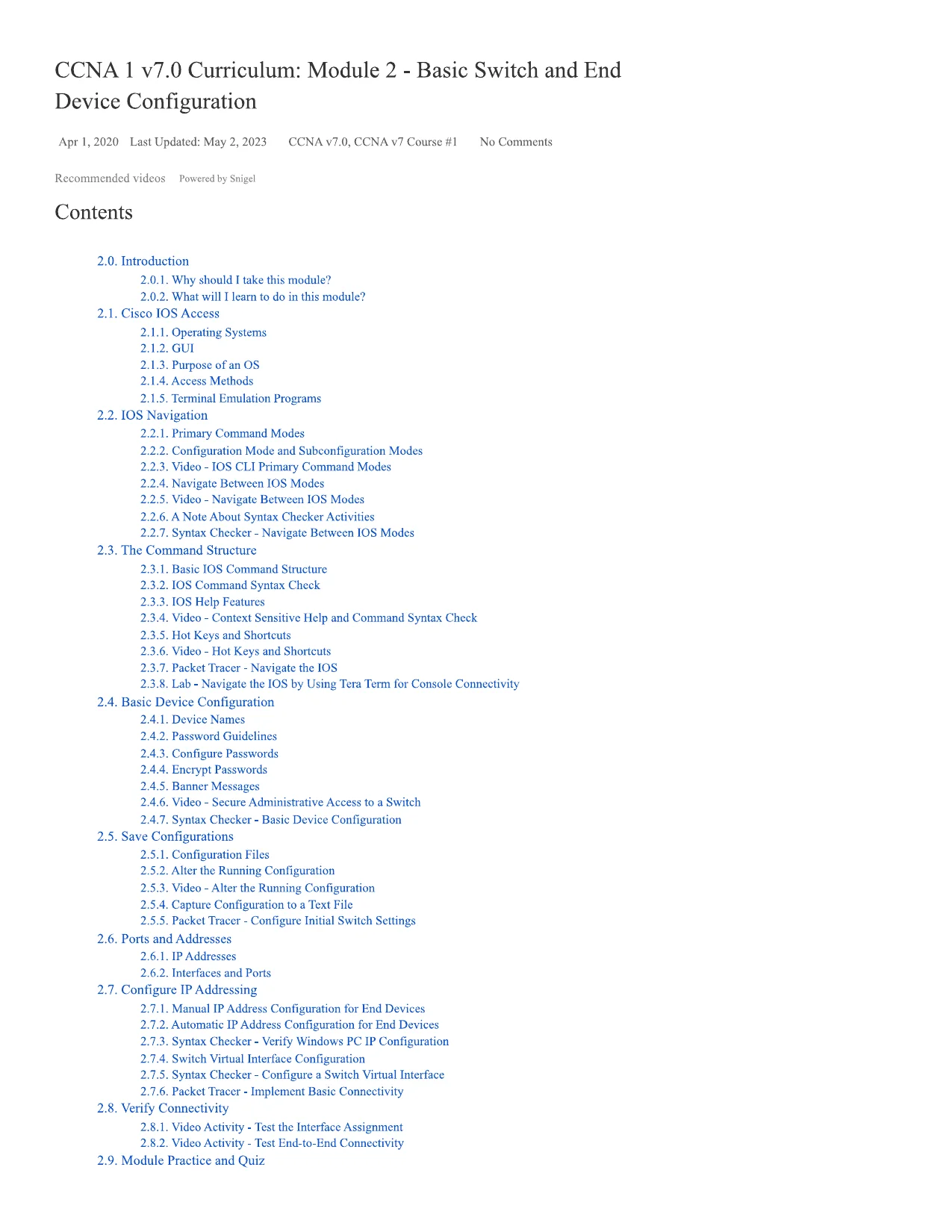
CCNA 1 v7.0 Curriculum: Module 2 - Basic Switch and EndDevice ConfigurationApr 1,2020Last Updated: May 2, 2023CCNA v7.0, CCNA v7 Course #1No CommentsRecommended videosPowered by SnigelContents2.0. Introduction2.0.1. Why should I take this module?2.0.2. What will I learn to do in this module?2.1. Cisco IOS Access2.1.1. Operating Systems2.1.2. GUI2.1.3. Purpose of an OS2.1.4. Access Methods2.1.5. Terminal Emulation Programs2.2. IOS Navigation2.2.1. Primary Command Modes2.2.2. Configuration Mode and Subconfiguration Modes2.2.3. Video - IOS CLI Primary Command Modes2.2.4. Navigate Between IOS Modes2.2.5. Video - Navigate Between IOS Modes2.2.6. A Note About Syntax Checker Activities2.2.7. Syntax Checker - Navigate Between IOS Modes2.3. The Command Structure2.3.1. Basic IOS Command Structure2.3.2. IOS Command Syntax Check2.3.3. IOS Help Features2.3.4. Video - Context Sensitive Help and Command Syntax Check2.3.5. Hot Keys and Shortcuts2.3.6. Video - Hot Keys and Shortcuts2.3.7. Packet Tracer - Navigate the IOS2.3.8. Lab - Navigate the IOS by Using Tera Term for Console Connectivity2.4. Basic Device Configuration2.4.1. Device Names2.4.2. Password Guidelines2.4.3. Configure Passwords2.4.4. Encrypt Passwords2.4.5. Banner Messages2.4.6. Video - Secure Administrative Access to a Switch2.4.7. Syntax Checker - Basic Device Configuration2.5. Save Configurations2.5.1. Configuration Files2.5.2. Alter the Running Configuration2.5.3. Video - Alter the Running Configuration2.5.4. Capture Configuration to a Text File2.5.5. Packet Tracer - Configure Initial Switch Settings2.6. Ports and Addresses2.6.1. IP Addresses2.6.2. Interfaces and Ports2.7. Configure IP Addressing2.7.1. Manual IP Address Configuration for End Devices2.7.2. Automatic IP Address Configuration for End Devices2.7.3. Syntax Checker - Verify Windows PC IP Configuration2.7.4. Switch Virtual Interface Configuration2.7.5. Syntax Checker - Configure a Switch Virtual Interface2.7.6. Packet Tracer - Implement Basic Connectivity2.8. Verify Connectivity2.8.1. Video Activity - Test the Interface Assignment2.8.2. Video Activity - Test End-to-End Connectivity2.9. Module Practice and Quiz

Page 2

CCNA 1 v7 - Page 2 preview image

Loading page ...

2.9.1. Packet Tracer - Basic Switch and End Device Configuration2.9.2. Lab - Basic Switch and End Device Configuration2.9.3. What did I learn in this module?2.9.4 Module Quiz - Basic Switch and End Device Configuration2.0. Introduction2.0.1. Why should I take this module?Welcome to Basic Switch and End Device Configuration!As part of your career in networking, you might have to set up a new network or maintain andupgrade an existing one. In either case, you'll configure switches and end devices so thatthey are secure and perform effectively based on your requirements.Out of the box, switches and end devices come with some general configuration. But for yourparticular network, switches and end devices require your specific information andinstructions. In this module, you will learn how to access Cisco IOS network devices. You willlearn basic configuration commands and use them to configure and verify a Cisco IOS deviceand an end device with an IP address.Of course, there is much more to network administration, but none of that can happen withoutfirst configuring switches and end devices. Let's get started!2.0.2. What will I learn to do in this module?Module Title:Basic Switch and End Device ConfigurationModule Objective:Implement initial settings including passwords, IP addressing, and defaultgateway parameters on a network switch and end devices.Topic TitleTopic ObjectiveCisco IOS AccessExplain how to access a Cisco IOS device for configurationpurposes.IOS NavigationExplain how to navigate Cisco IOS to configure networkdevices.The Command StructureDescribe the command structure of Cisco IOS software.Basic DeviceConfigurationConfigure a Cisco IOS device using CLI.Save ConfigurationsUse IOS commands to save the running configuration.Ports and AddressesExplain how devices communicate across network media.Configure IP AddressingConfigure a host device with an IP address.

Page 3

CCNA 1 v7 - Page 3 preview image

Loading page ...

Verify ConnectivityVerify connectivity between two end devices.2.1. Cisco IOS Access2.1.1. Operating SystemsAll end devices and network devices require an operating system (OS). As shown in thefigure, the portion of the OS that interacts directly with computer hardware is known as thekernel. The portion that interfaces with applications and the user is known as the shell. Theuser can interact with the shell using a command-line interface (CLI) or a graphical userinterface (GUI).Shell - The user interface that allows users to request specific tasks from thecomputer. These requests can be made either through the CLI or GUI interfaces.Kernel- Communicates between the hardware and software of a computer andmanages how hardware resources are used to meet software requirements.Hardware- The physical part of a computer including underlying electronics.When using a CLI, the user interacts directly with the system in a text-based environment byentering commands on the keyboard at a command prompt, as shown in the example. Thesystem executes the command, often providing textual output. The CLI requires very littleoverhead to operate. However, it does require that the user have knowledge of the underlyingcommand structure that controls the system.analyst@secOps ~]$ IsDesktop Downloads lab.support.files second_drive[analyst@secOps ~]$2.1.2. GUIA GUI such as Windows, macOS, Linux KDE, Apple iOS, or Android allows the user tointeract with the system using an environment of graphical icons, menus, and windows. TheGUI example in the figure is more user-friendly and requires less knowledge of the underlying

Page 4

CCNA 1 v7 - Page 4 preview image

Loading page ...

command structure that controls the system. For this reason, most users rely on GUIenvironments.However, GUIs may not always be able to provide all the features available with the CLI.GUIs can also fail, crash, or simply not operate as specified. For these reasons, networkdevices are typically accessed through a CLI. The CLI is less resource intensive and verystable when compared to a GULThe family of network operating systems used on many Cisco devices is called the CiscoInternetwork Operating System (IOS). Cisco IOS is used on many Cisco routers and switchesregardless of the type or size of the device. Each device router or switch type uses a differentversion of Cisco IOS. Other Cisco operating systems include IOS XE, IOS XR, and NX-OS.Note: The operating system on home routers is usually called firmware. The most commonmethod for configuring a home router is by using a web browser-based GUL2.1.3. Purpose of an OSNetwork operating systems are similar to a PC operating system. Through a GUI, a PCoperating system enables a user to do the following:Use a mouse to make selections and run programsEnter text and text-based commandsView output on a monitorA CLI-based network operating system (e.g., the Cisco IOS on a switch or router) enables anetwork technician to do the following:Use a keyboard to run CLI-based network programsUse a keyboard to enter text and text-based commandsView output on a monitorCisco networking devices ran particular versions of the Cisco IOS. The IOS version isdependent on the type of device being used and the required features. While all devicescome with a default IOS and feature set, it is possible to upgrade the IOS version or featureset to obtain additional capabilities.The figure displays a list of IOS software releases for a Cisco Catalyst 2960 Switch.

Page 5

CCNA 1 v7 - Page 5 preview image

Loading page ...

Cisco Software Download Examplea« c-iA.+.f”C 0i i• ; .ji1_L, '1 ’-vc'4 t"*"«>*w w**«w*'00 0 0Software [wnk rdCatalyst 296.0- 2TC-L Switchftiiniftd inKn and Doajwniaimni H W HHKUH11Jl-fl-'liIJ2.1.4. Access MethodsA switch will forward traffic by default and does not need to be explicitly configured to operate.For example, two configured hosts connected to the same new switch would be able tocommunicate.Regardless of the default behavior of a new switch, all switches should be configured andsecured.MethodDescriptionConsoleThis is a physical management port that provides out-of-band access to aCisco device. Out-of-band access refers to access via a dedicatedmanagement channel that is used for device maintenance purposes only.The advantage of using a console port is that the device is accessible evenif no networking services are configured, such as performing the initialconfiguration. A computer running terminal emulation software and aspecial console cable to connect to the device are required for a consoleconnection.SecureShell(SSH)SSH is an in-band and recommended method for remotely establishing asecure CLI connection, through a virtual interface, over a network. Unlike aconsole connection, SSH connections require active networking services onthe device, including an active interface configured with an address. Mostversions of Cisco IOS include an SSH server and an SSH client that can beused to establish SSH sessions with other devices.

Page 6

CCNA 1 v7 - Page 6 preview image

Loading page ...

Telnet is an insecure, in-band method of remotely establishing a CLIsession, through a virtual interface, over a network. Unlike SSH, TelnetTelnetdoes not provide a secure, encrypted connection and should only be usedin a lab environment. User authentication, passwords, and commands aresent over the network in plaintext. The best practice is to use SSH insteadof Telnet. Cisco IOS includes both a Telnet server and Telnet client.Note: Some devices, such as routers, may also support a legacy auxiliary port that was usedto establish a CLI session remotely over a telephone connection using a modem. Similar to aconsole connection, the AUX port is out-of-band and does not require networking services tobe configured or available.2.1.5. Terminal Emulation ProgramsThere are several terminal emulation programs you can use to connect to a networkingdevice either by a serial connection over a console port, or by an SSH/Telnet connection.These programs allow you to enhance your productivity by adjusting window sizes, changingfont sizes, and changing color schemes.Click each program name to see a screen capture of the interface.PuTTYPuTTY ConfigurationCategorySessionlogging| TerminalKeyboardBellfeatures-WindowAppearanceBehaviourTranslation±1SelectronColoursConnectionDataProxyTelnetRtogin11SSHSenaiBasic options for your PuTTY sessionSpecify the destination you want to connect toHost Name (or IP address)PortCortnecbuii type.RawTelnetf) Rlogpi(• i £SH’ ;SepalLoad, save or delete a stored sessionSayed SessionsClose window on tupl■■Always'Nevei.• )Only on dean exitCancelAboutHelpTera Tenn

Page 7

CCNA 1 v7 - Page 7 preview image

Loading page ...

f iCOKtl-I mkrrrtVTFileEdittmiralWindcwHelpTSecureCRTFileEditV=ewOptionsTransferScriptToolsWindowHelpSession \isnager2.2. IOS Navigation2.2.1. Primary Command Modes

Page 8

CCNA 1 v7 - Page 8 preview image

Loading page ...

In the previous topic, you learned that all network devices require an OS and that they can beconfigured using the CLI or a GUI. Using the CLI may provide the network administrator withmore precise control and flexibility than using the GUI. This topic discusses using CLI tonavigate the Cisco IOS.As a security feature, the Cisco IOS software separates management access into thefollowing two command modes:User EXEC Mode- This mode has limited capabilities but is useful for basicoperations. It allows only a limited number of basic monitoring commands but doesnot allow the execution of any commands that might change the configuration ofthe device. The user EXEC mode is identified by the CLI prompt that ends with the> symbol.Privileged EXEC Mode- To execute configuration commands, a networkadministrator must access privileged EXEC mode. Higher configuration modes,like global configuration mode, can only be reached from privileged EXEC mode.The privileged EXEC mode can be identified by the prompt ending with the #symbol.The table summarizes the two modes and displays the default CLI prompts of a Cisco switchand router.CommandModeDescriptionDefault DevicePromptUser ExecModeMode allows access to only a limited number ofbasic monitoring commands.It is often referred to as "view-only" mode.Switch>Router>PrivilegedEXEC ModeMode allows access to all commands andfeatures.The user can use any monitoring commands andexecute configuration and managementcommands.Switch#Router#2.2.2. Configuration Mode and Subconfiguration ModesTo configure the device, the user must enter global configuration mode, which is commonlycalled global config mode.From global config mode, CLI configuration changes are made that affect the operation of thedevice as a whole. Global configuration mode is identified by a prompt that ends with(config)# after the device name, such as Switch(config)#.Global configuration mode is accessed before other specific configuration modes. Fromglobal config mode, the user can enter different subconfiguration modes. Each of thesemodes allows the configuration of a particular part or function of the IOS device. Two commonsubconfiguration modes include:Line Configuration Mode- Used to configure console, SSH, Telnet, or AUXaccess.

Page 9

CCNA 1 v7 - Page 9 preview image

Loading page ...

Interface Configuration Mode- Used to configure a switch port or router networkinterface.When the CL1is used, the mode is identified by the command-line prompt that is unique tothat mode. By default, every prompt begins with the device name. Following the name, theremainder of the prompt indicates the mode. For example, the default prompt for lineconfiguration mode isSwitch(config-line)#and the default prompt for interface configurationmode isSwitch(config-if)#.2.2.3. Video - IOS CLI Primary Command Modes2.2.4. Navigate Between IOS ModesVarious commands are used to move in and out of command prompts. To move from userEXEC mode to privileged EXEC mode, use theenablecommand. Use thedisableprivilegedEXEC mode command to return to user EXEC mode.Note: Privileged EXEC mode is sometimes called enable mode.To move in and out of global configuration mode, use theconfigure terminalprivilegedEXEC mode command. To return to the privileged EXEC mode, enter theexit global configmode command.There are many different subconfiguration modes. For example, to enter line subconfigurationmode, you use the line command followed by the management line type and number youwish to access. Use the exit command to exit a subconfiguration mode and return to globalconfiguration mode.Switch(config)# line console 0Switch(config-line)# exitSwitch(config)#To move from any subconfiguration mode of the global configuration mode to the mode onestep above it in the hierarchy of modes, enter theexit command.To move from any subconfiguration mode to the privileged EXEC mode, enter theendcommand or enter the key combinationCtrl+Z.Switch(config-line)# endSwitch#You can also move directly from one subconfiguration mode to another. Notice how afterselecting an interface, the command prompt changes from(config-line)#to (config-if)#.Switch(config-line)# interface FastEthemet 0/1Switch(config-if)#2.2.5. Video - Navigate Between IOS Modes2.2.6. A Note About Syntax Checker ActivitiesWhen you are learning how to modify device configurations, you might want to start in a safe,non-production environment before trying it on real equipment. NetAcad gives you differentsimulation tools to help build your configuration and troubleshooting skills. Because these are

Page 10

CCNA 1 v7 - Page 10 preview image

Loading page ...

simulation tools, they typically do not have all the functionality of real equipment. One suchtool is the Syntax Checker. In each Syntax Checker, you are given a set of instructions toenter a specific set of commands. You cannot progress in Syntax Checker unless the exactand full command is entered as specified. More advanced simulation tools, such as PacketTracer, let you enter abbreviated commands, much as you would do on real equipment.2.2.7. Syntax Checker - Navigate Between IOS ModesUse the Syntax Checker activity to navigate between IOS command lines on a switch.Enter privileged EXEC mode using the enable command.Switch>enableReturn to user EXEC mode using the disable command.Switch#disableRe-enter privileged EXEC mode.Switch>enableEnter global configuration mode using the configure terminal command.Switch#configure terminalExit global configuration mode and return to privileged EXEC modeusing the exit command.Switch(config)#exitRe-enter global configuration mode.Switch#configure terminalEnter line subconfiguration mode for the console port using the lineconsole 0 command.Switch(config)#line console 0Return to global configuration mode using the exit command.Switch(config-line)#exitEnter VTY line subconfiguration mode using the line vty 0 15 command.Switch(config)#line vty 0 15Return to global configuration mode.Switch(config-line)#exitEnter the VLAN 1 interface subconfiguration mode using the interfacevlan 1 command.Switch(config)#interface vlan 1From interface configuration mode, switch to line consolesubconfiguration mode using the line console 0 global configurationcommand.
Preview Mode

This document has 32 pages. Sign in to access the full document!