
CCNA 1 v7

Explora el Módulo 9 de CCNA 1 v7.0: Address Resolution. Aprende cómo ARP e IPv6 ND permiten la comunicación en redes, con videos y actividades Packet Tracer para reforzar tus conocimientos.

Alice Edwards
Contributor
4.3
40
10 months ago
Preview (7 of 21 Pages)
100%
Log in to unlock

Page 1

CCNA 1 v7 - Page 1 preview image

Loading page ...

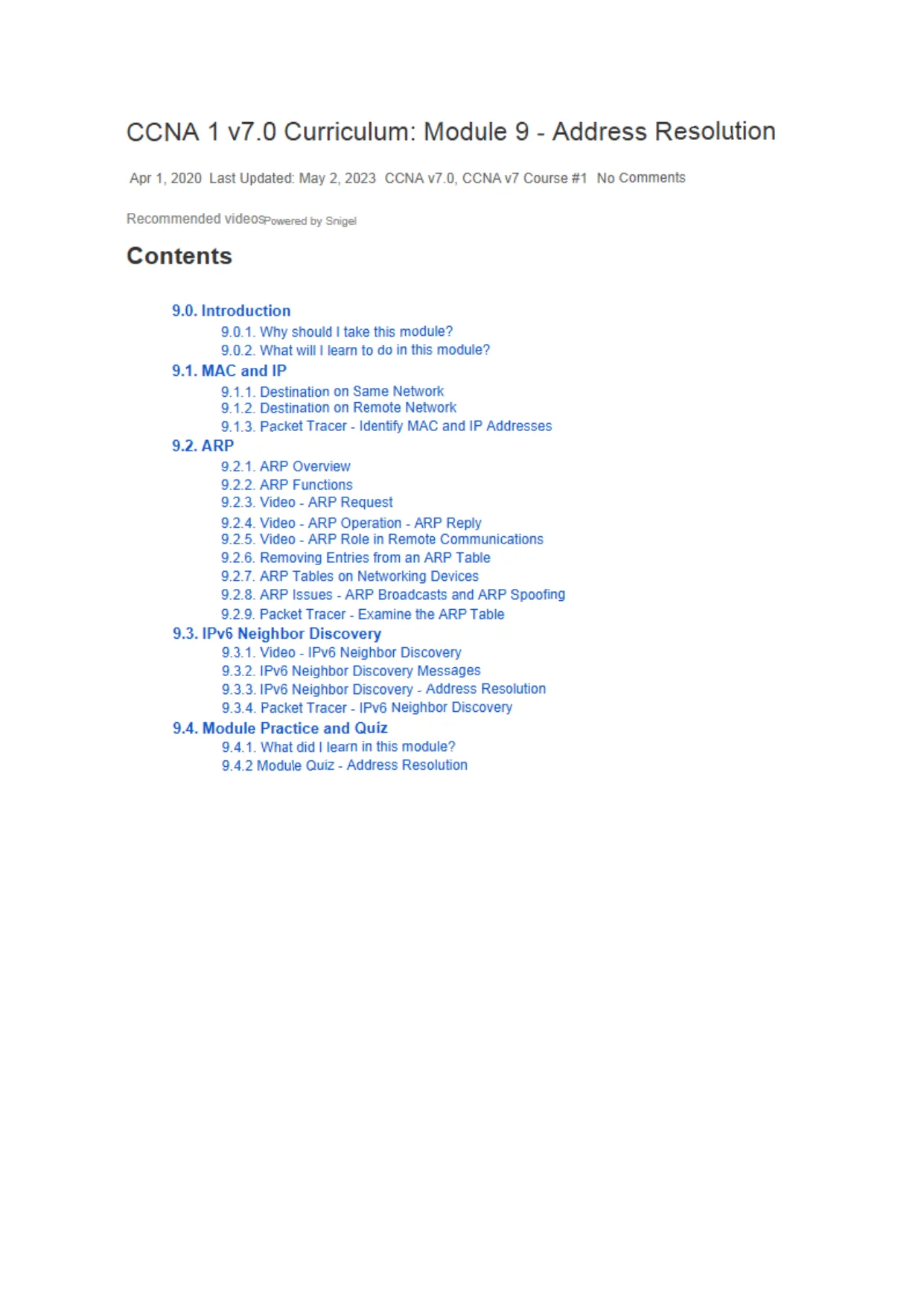
CCNA 1 v7.0 Curriculum: Module 9 - Address ResolutionApr 1,2020 Last Updated: May 2, 2023 CCNA v7.0, CCNA v7 Course #1No CommentsRecommendedvideospaweredbysnigeiContents9.0. Introduction9.0.1. Why shouldItake this module?9.0.2. What willIlearn to do in this module?9.1. MAC and IP9.1.1. Destination on Same Network9.1.2. Destination on Remote Network9.1.3. Packet Tracer - Identity MAC and IP Addresses9.2. ARP9.2.1. ARP Overview9.2.2. ARP Functions9.2.3. Video - ARP Request9.2.4. Video - ARP Operation-ARP Reply9.2.5. Video - ARP Role in Remote Communications9.2.6. Removing Entries from an ARP Table9.2.7. ARP Tables on Networking Devices9.2.8. ARP Issues - ARP Broadcasts and ARP Spoofing9.2.9. Packet Tracer - Examine the ARP Table9.3. IPv6 Neighbor Discovery9.3.1. Video - IPv6 Neighbor Discovery9.3.2. IPv6 Neighbor Discovery Messages9.3.3. IPv6 Neighbor Discovery - Address Resolution9.3.4. Packet Tracer - IPv6 Neighbor Discovery9.4. Module Practice and Quiz9.4.1. What did I learn in this module?9.4.2 Module Quiz - Address Resolution

Page 2

CCNA 1 v7 - Page 2 preview image

Loading page ...

9.0. Introduction9.0.1. Why should I take this module?Welcome to Address Resolution!Hosts and routers both create routing tables to ensure that they can send and receive dataacross networks. So how does this information get created in a routing table? As a networkadministrator, you could enter these MAC and IP addresses manually. Butthat would take alot of time and the likelihood of making a few mistakes is great. Are you thinking that theremust be some way that this could be done automatically, by the hosts and routersthemselves? Of course, you are correct! And even though it is automatic, you must stillunderstand how this works, because you may have to troubleshoot a problem, or worse, yournetwork could be attacked by a threat actor. Are you ready to learn about address resolution?This module has several very good videos to help explain the concepts, as well as threePacket Tracer activities to cement your understanding. Why wait?9.0.2. What will I learn to do in this module?Module Title:Address ResolutionModule Objective:Explain how ARP and ND enable communication on a network.

Page 3

CCNA 1 v7 - Page 3 preview image

Loading page ...

Topic TitleTopic ObjectiveMAC and IPCompare the roles of the MAC address and the IP address.ARPDescribe the purpose of ARP.Neighbor DiscoveryDescribe the operation of IPv6 neighbor discovery.9.1. MAC and IP9.1.1. Destination on Same NetworkSometimes a host must send a message, but it only knows the IP address of the destinationdevice. The host needs to know the MAC address of that device, but how can it bediscovered? That is where address resolution becomes critical.There are two primary addresses assigned to a device on an Ethernet LAN:Physical address (the MAC address) -Used for NIC to NIC communications onthe same Ethernet network.Logical address (the IP address) -Used to send the packet from the sourcedevice to the destination device. The destination IP address may be on the sameIP network as the source or it may be on a remote network.Layer 2 physical addresses (i.e., Ethernet MAC addresses) are used to deliver the data linkframe with the encapsulated IP packet from one NIC to another NIC that is on the samenetwork. If the destination IP address is on the same network, the destination MAC addresswill be that of the destination device.Consider the following example using simplified MAC address representations.

Page 4

CCNA 1 v7 - Page 4 preview image

Loading page ...

192. 168.10.10/24192.168.10.0/24192.168.10.11/24Destination MACSource MACSource IPv4Destination IPv455-55-55aa-aa-aa192.168.10.10192.168.10.11In this example, PC1 wants to send a packet to PC2. The figure displays the Layer 2destination and source MAC addresses and the Layer 3 IPv4 addressing that would beincluded in the packet sent from PC1.The Layer 2 Ethernet frame contains the following:Destination MAC address- This is the simplified MAC address of PC2, 55-55-55.Source MAC address- This is the simplified MAC address of the Ethernet NIC onPC1, aa-aa-aa.The Layer 3 IP packet contains the following:Source IPv4 address- This is the IPv4 addressof PC1,192.168.10.10.Destination IPv4 address- This is the IPv4 addressofPC2, 192.168.10.11.9.1.2. Destination on Remote NetworkWhen the destination IP address (IPv4 or IPv6) is on a remote network, the destination MACaddress will be the address of the host default gateway (i.e., the router interface).Consider the following example using a simplified MAC address representation.

Page 5

CCNA 1 v7 - Page 5 preview image

Loading page ...

MACScotdiMACOXInqtiqttIPv4DC-b&t C|,aa-eaaa |1 9 2 . ' U 3 / U . 1 O 11 0 . 1 . 1 .IUIn this example, PC1 wants to send a packet to PC2. PC2 is located on remote network.Because the destination IPv4 address is not on the same local network as PC1, thedestination MAC address is that of the local default gateway on the router.Routers examine the destination IPv4 address to determine the best path to forward the IPv4packet. When the router receives the Ethernet frame, it de-encapsulates the Layer 2information. Using the destination IPv4 address, it determines the next-hop device, and thenencapsulates the IPv4 packet in a new data link frame for the outgoing interface.In our example, R1 would now encapsulate the packet with new Layer 2 address informationas shown in the figure.DcatinaUonMACMACIPv4DeslmattonIPV4d c - O d U - J || CC-CC-Ct 1 ' 9 2 .10.10U’. 1.1.10|The new destination MAC address would be that of the R2 G0/0/1 interface and the newsource MAC address would be that of the R1 G0/0/1 interface.Along each link in a path, an IP packet is encapsulated in a frame. The frame is specific to thedata link technology that is associated with that link, such as Ethernet. If the next-hop device

Page 6

CCNA 1 v7 - Page 6 preview image

Loading page ...

is the final destination, the destination MAC address will be that of the device Ethernet NIC.as shown in the figure.How are the IP addresses ofthe IPpacketsina data flow associated with the MACaddresses on each link along the path to the destination? For IPv4 packets, this is donethrough a process called Address Resolution Protocol (ARP).ForIPv6 packets, the processis ICMPv6 Neighbor Discovery (ND).9.1.3. Packet Tracer - Identify MAC and IP AddressesInthisPacket Tracer, activity you will complete the following objectives:Gather PDU Information for Local Network CommunicationGather PDU Information for Remote Network CommunicationThis activity is optimized for viewing PDUs. The devices are already configured. You willgather PDU information in simulation mode and answer a series of questions about the datayou collect.9.1.3 Packet Tracer - Identify MAC and IP Addresses

Page 7

CCNA 1 v7 - Page 7 preview image

Loading page ...

9.2. ARP9.2.1. ARP OverviewIf your network is using the IPv4 communications protocol, the Address Resolution Protocol,or ARP, is what you need to map IPv4 addresses to MAC addresses. This topic explains howARP works.Every IP device on an Ethernet network has a unique Ethernet MAC address. When a devicesends an Ethernet Layer 2 frame, it contains these two addresses:Destination MAC address- The Ethernet MAC address of the destination deviceon the same local network segment. If the destination host is on another network,then the destination address in the frame would be that of the default gateway (i.e.,router).Source MAC address- The MAC address of the Ethernet NIC on the sourcehost.The figure illustrates the problem when sending a frame to another host on the same segmenton an IPv4 network.
Preview Mode

This document has 21 pages. Sign in to access the full document!